

Another Article is available for Downloading And Installing Microsoft Edge on Windows 7
Introduction
The latest Internet Explorer from Microsoft, Internet Explorer 9, was released a couple of days ago. In this article, I will be showing you from where to download it and how to install it. Also I will be showing you some of the new features that IE9 has.
Internet Explorer 9 can be installed on the following operating systems :
-
Windows Vista 32-bit with Service Pack 2 (SP 2) or higher
-
Windows Vista 64-bit with Service Pack 2 (SP 2) or higher
-
Windows 7 32-bit RTM or higher
-
Windows 7 64-bit RTM or higher
-
Windows Server 2008 32-bit with Service Pack 2 (SP 2) or higher
-
Windows Server 2008 64-bit with Service Pack 2 (SP 2) or higher
-
Windows Server 2008 R2 64-bit
So if you have one of these operating systems , these are the steps to download and install IE9 :
- To download Internet Explorer 9, click on :
Windows Internet Explorer 9 (32-Bit)
Windows Internet Explorer 9 (64-Bit) - On the File Download dialog box, you can either run the installer or save it on your machine. I will be clicking Run
 Download will begins

- If you have the User Account Control enabled, then a dialog box will open asking you if you want to allow the following program to make changes to this computer, click Yes
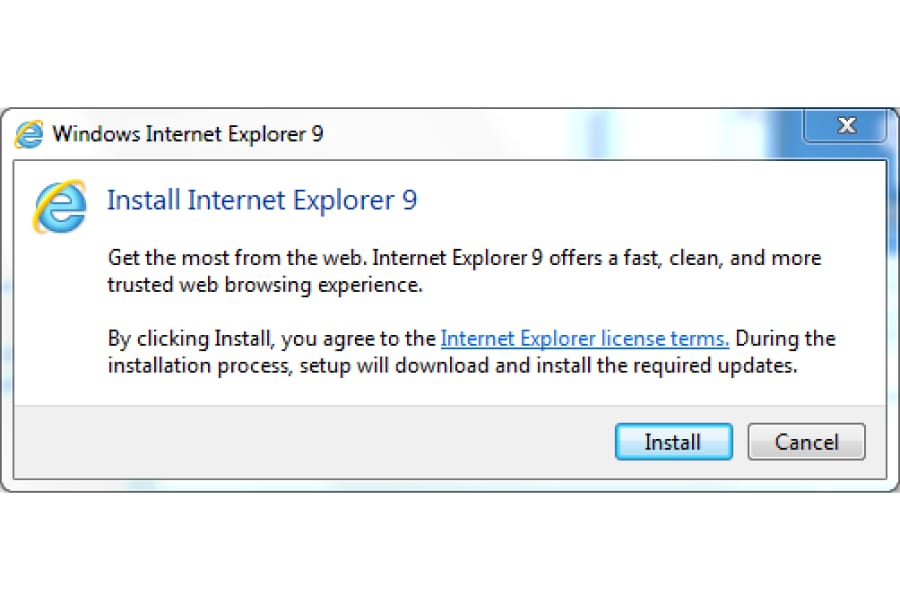
- The Install Internet Explorer 9 dialog box will open, click on Install
 Installing Internet Explorer 9 will start

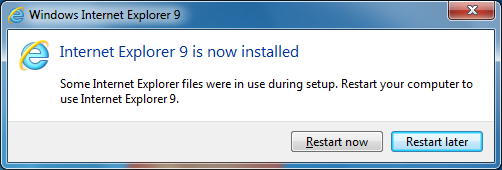
- Once installation is completed, you will be requested to restart your machine to apply the changes.

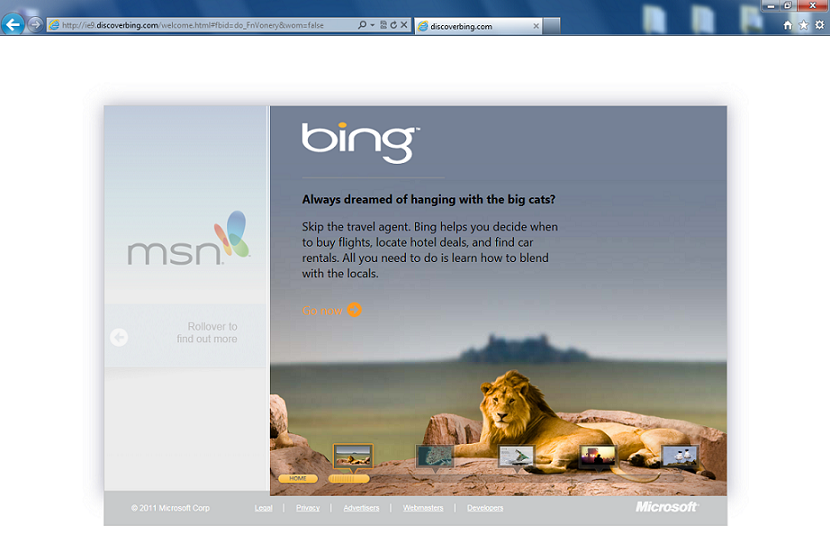
- Once you restart your machine, open Internet Explorer 9 , and you will discover the new interface .

 Download will begins
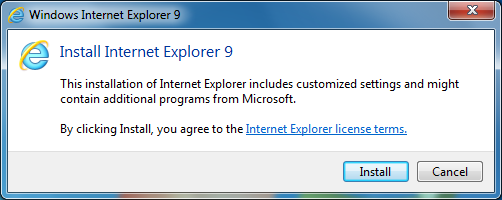 Installing Internet Explorer 9 will start
Below are some of the new features with IE9 :
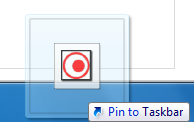
Pined Sites :Now you can pin any website to your task bar, this can be done either by :
- You can drag the website icon (mostly on the left side of the website address) to the taskbar.
- Or You can drag the website tab itself to the taskbar.as you can see in the below snapshots , I have pinned ELMAJDAL.NET to my taskbar.



Design and User Interface: The first thing you will notice about IE9, is its new user interface and design. More of the website can been seen now. For example, previously I used to press F11 and go into full mode to see more. Also You can find most command bar functions, like Print or Zoom, when you click the Tools button  Enjoy the new simplified design.
One Box For both Search and Website URL : Instead of having two boxes, one for the website URL and other for the search engines, now IE9 combines the functionality of these two boxes into a single one. As you can see from the below snapshot, the different added Search Engines can be selected by clicking on the Download arrow.

Download Manager : This is an excellent feature finally added to IE. With this feature, you can have all your downloads into a single page, and more over, you can Pause any of your downloads, and then click on Resume to continue where it last stopped. Excellent feature !

There are other cool features as well, so go and install IE9 and experience the new design and simplicity.
Related Articles :